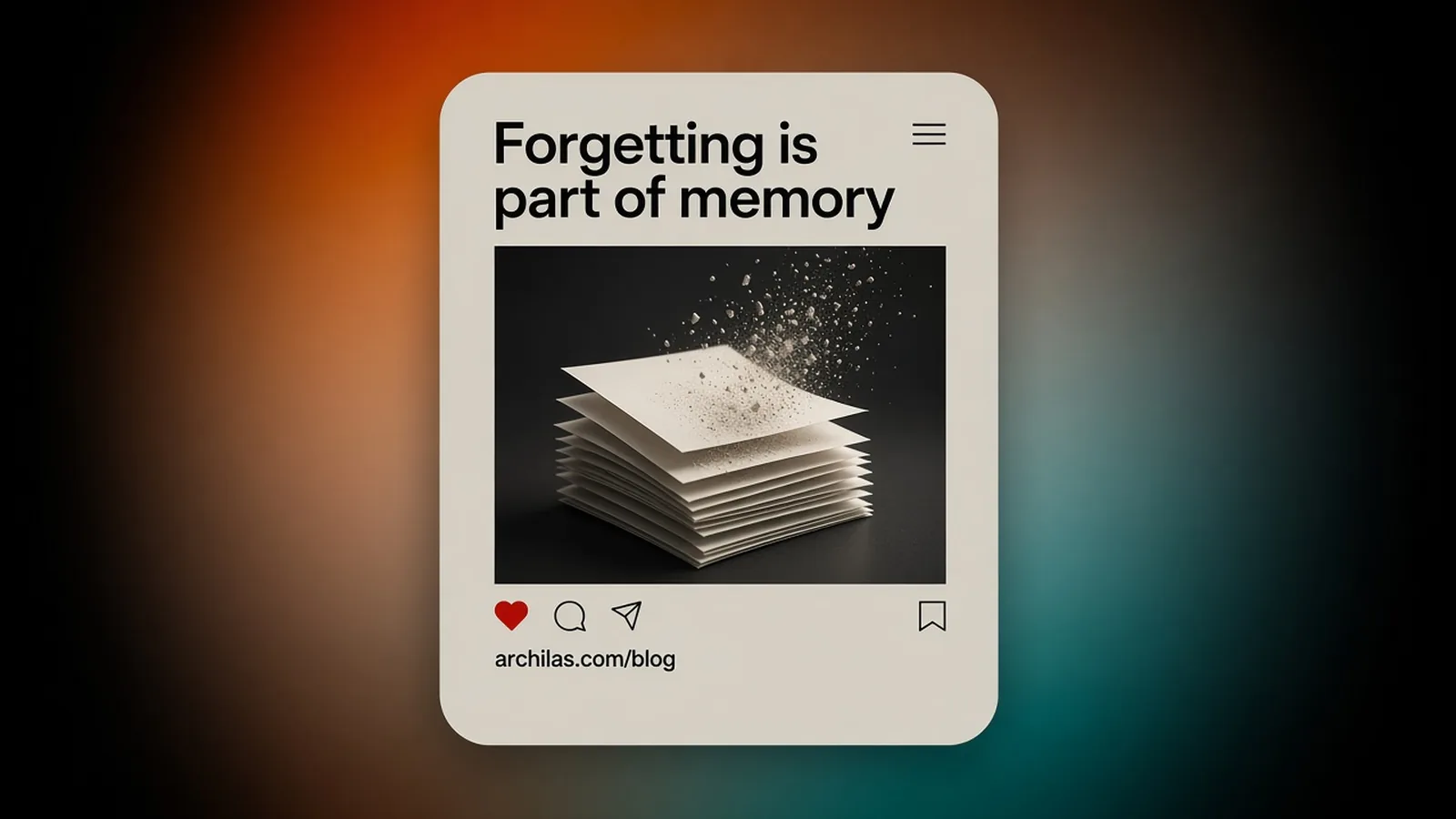
In Archilas you can delete a single note, delete a synced item, disconnect a source (which deletes what was synced from it), or delete the account. What remains afterwards is limited: database backups expire within 30 days, and a one-way hash of the sign-in email is kept for 90 days so the free plan cannot be reset by signing up again.
Most memory writing focuses on remembering more. The harder part is removing the right thing, and being honest about what stays behind.
Four ways to delete
- One note: from the dashboard, or by asking your agent to call archilas.forget.
- A synced item: pass its ID to archilas.forget or to DELETE /api/v1/notes/{id}. Archilas keeps a record of the deleted ID so the next sync does not bring it back.
- A whole source: disconnect it on the Connect page. Items synced from it are deleted.
- Everything: delete the account from Settings. That deletes the account and every workspace you own, including notes, transcripts, synced content, connector tokens, and API keys.
Export first
Settings has an export button that downloads your account, workspace, and saved notes as JSON (/api/account/export). The privacy page explains what the export covers and how to ask for anything it does not.
Why the agent needs this too
If an agent saved something wrong, the quickest fix is for the agent to delete it. That is why forget is an MCP tool and not only a dashboard button.
Related posts
Questions
- Does disconnecting Slack or GitHub delete my data in Archilas?
- Yes. Disconnecting a source deletes the items synced from it.
- Can I export my AI memory?
- Yes. Settings has a JSON export of your account, workspace, and saved notes. For synced content, email help@archilas.com.